
 Back to the arcade
 45-second rounds · 2 min read
 Play Quick Sort
What is Quick Sort?
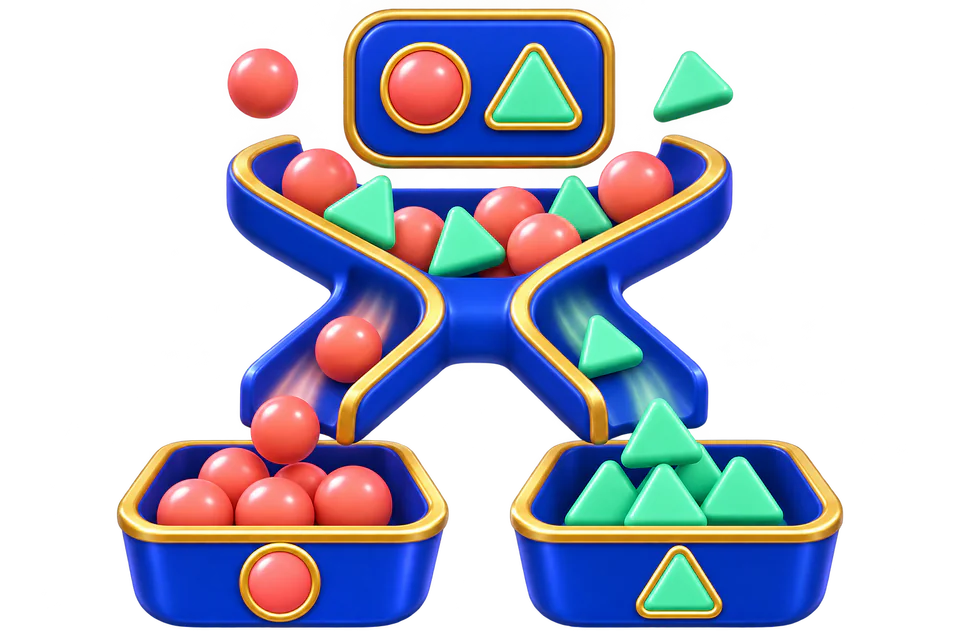
Quick Sort presents items under a changing sorting rule. An object has more than one property, but only the property named by the current instruction determines the correct destination.
The challenge is keeping the rule in working memory without letting it become permanent. When the rule changes, the same object can require a different response.
Rules and controls
- Read the current sorting rule.
- Identify the relevant property of the displayed item.
- Choose its matching destination.
- Recheck the rule on the next prompt, particularly after a streak of similar items.
Use the sorting buttons or the displayed keyboard shortcuts.
Scoring and rewards
Correctly classified items count as objectives. Wrong destinations and missed prompts reduce precision. The reward reference follows actual prompt opportunities, independent of cosmetic streak bonuses.
Points and XP scale with objective performance, precision, and round length. At full reward performance, a 45-second round earns up to 30 base points and 45 XP. Each level gained adds a 0.1% point bonus. Guest practice has no reward balance.
For eligible rewarded rounds, points remain pending until the sponsored claim’s 12 seconds of focused time and fresh hCaptcha are complete. No ad click or purchase is required.
How difficulty changes
Prompts arrive faster with repeated daily play, making it easier to overlook a rule change. Successful play relies on a compact but complete recognition routine.
Difficulty increases after every three starts of this game during a UTC day, up to level 10, and resets at 00:00 UTC. Your player level and its point bonus are separate from the game’s daily difficulty.
Strategy
Build a repeatable approach
Read the rule before identifying the item. This prevents noticing an irrelevant color or shape and selecting its destination automatically.
Improve your next attempt
After a mistake, pause long enough to name the new rule. Rapid recovery guesses can create a second error from the same misunderstanding.
A worked round
- The rule says to sort by shape, and a blue triangle appears.
- Ignore blue and find the triangle destination.
- If the next rule says color, classify the following item by color instead.
Common mistakes
- Continuing to use the previous sorting rule.
- Selecting by the most visually striking property rather than the named one.
- Assuming a repeated answer means the next answer must change.
Questions
Which controls should I use?
Use the sorting buttons or the displayed keyboard shortcuts.
How should I interpret my result?
The score summarizes this game’s objectives and mistakes. Reward performance is calculated against this game’s own objective benchmark, then scaled by round length. Review the base points and level bonus on your claim receipt.